A spreadsheet is often a sensible place to start. It is familiar, inexpensive and flexible. Moving away from it should solve a recurring business problem, not simply make your processes look more technical.
The useful question is not "Do we need a CRM?" It is "Which part of our customer workflow is becoming unreliable, and what would a better process need to do?" Answer that before comparing software or commissioning development.
Look for repeated operational friction
Typical warning signs include several versions of the same record, unclear ownership of enquiries, forgotten follow-ups and time spent copying information between systems. A spreadsheet may still hold the information correctly while failing to show who should act next.
Write down a few real incidents. For example, a quote was never followed up because two people each thought the other owned it. That points to ownership and reminders. It does not automatically justify a large sales platform with features the team will not use.
Map one workflow from start to finish
Choose a core process such as enquiry to accepted quote. List where the enquiry arrives, which details are recorded, who checks it, which statuses are meaningful and what marks the process complete. Include exceptions: duplicate enquiries, missing information and customers who come back later.
- What information does each person need to see?
- Who is allowed to change a status?
- What should trigger a notification?
- Which data must be exported or shared with another system?
A small diagram or example record is often more valuable than a long feature wishlist. It helps everyone agree what the software must support and gives the developer something testable.
Try existing software before building
An established CRM can be the right answer when your workflow fits its model. Compare the setup effort, per-user costs, permissions, exports and integrations you actually require. Test it with representative records and the people who will use it every day.
Custom software becomes worth discussing when important rules cannot be handled cleanly, staff work around the tool repeatedly, or the same data needs to connect several specialist processes. A custom build brings maintenance responsibilities too; it is not automatically cheaper or simpler over its lifetime.
Define a narrow first version
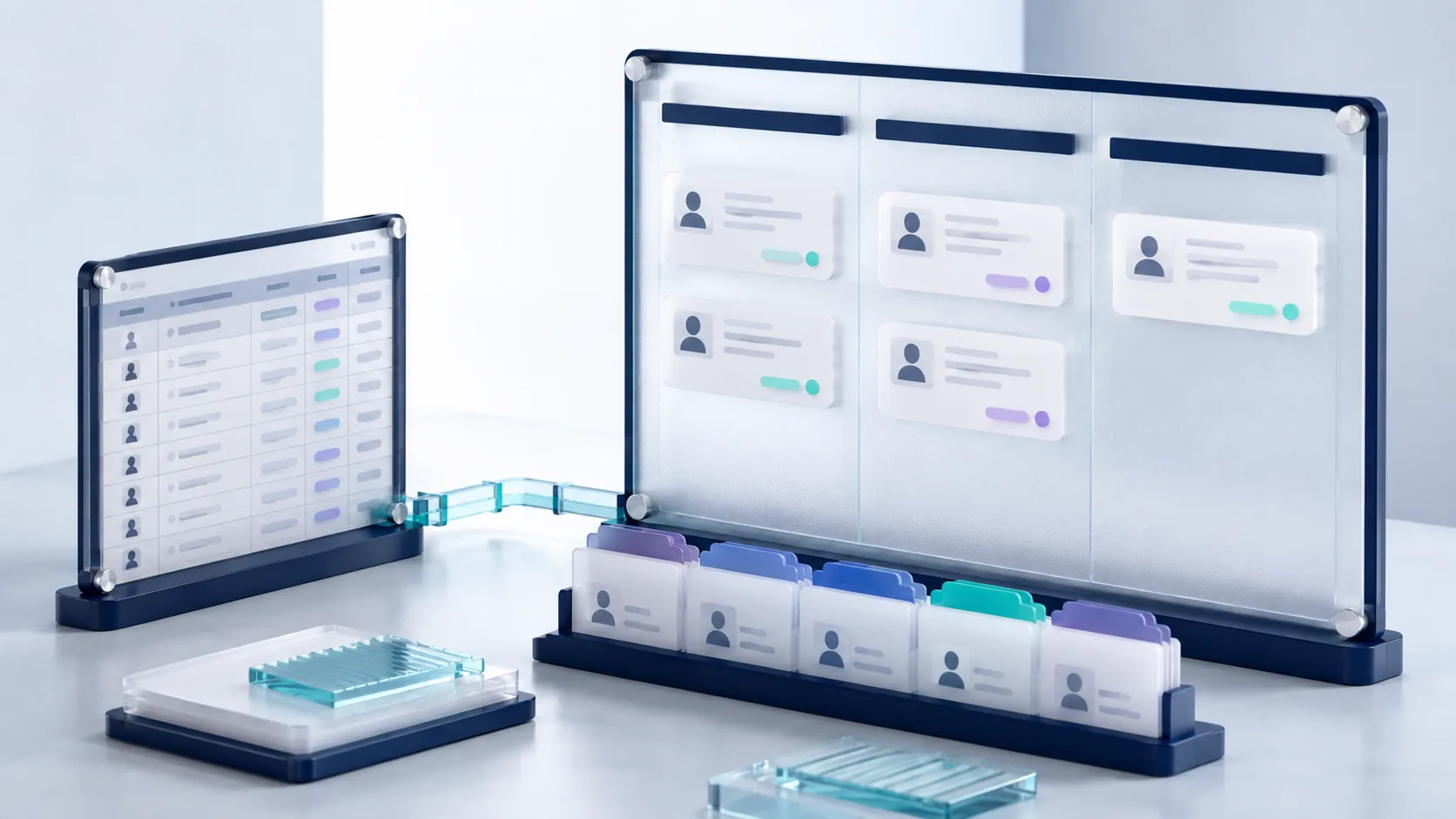
A useful first version might manage contacts, enquiries, owners, statuses and a small dashboard. Those features should serve a single agreed process. Reporting across departments, advanced automation and multiple integrations can be separate phases after the team has used the core system.
Specify acceptance criteria in ordinary language. "A team member can assign an enquiry, see their open work and record the next action" is clearer than "a powerful dashboard". Agree which sample scenarios must work before sign-off.
Plan data, permissions and support
Data migration is work of its own. Existing spreadsheets may contain duplicates, inconsistent dates or incomplete records. Decide which information to keep, who will clean it and how the imported data will be checked.
Also agree who owns the system, how access is removed when a team member leaves, how backups are handled and where issues are reported. Do not send a developer real customer data before agreeing an appropriate secure transfer method and access arrangements.
Measure whether the change helped
Choose a few indicators you can observe, such as missed follow-ups, time spent preparing a weekly report or records with no assigned owner. Compare the process before and after the rollout. These measurements are more useful than assuming that using a CRM will increase sales.
Digital Pegas offers focused CRM and platform development. Tell us about one workflow, the people involved and the systems it touches. We can then discuss whether a custom build is justified and what belongs in the first version. A customer-facing subscription product has different requirements; our project form also covers SaaS MVP enquiries.